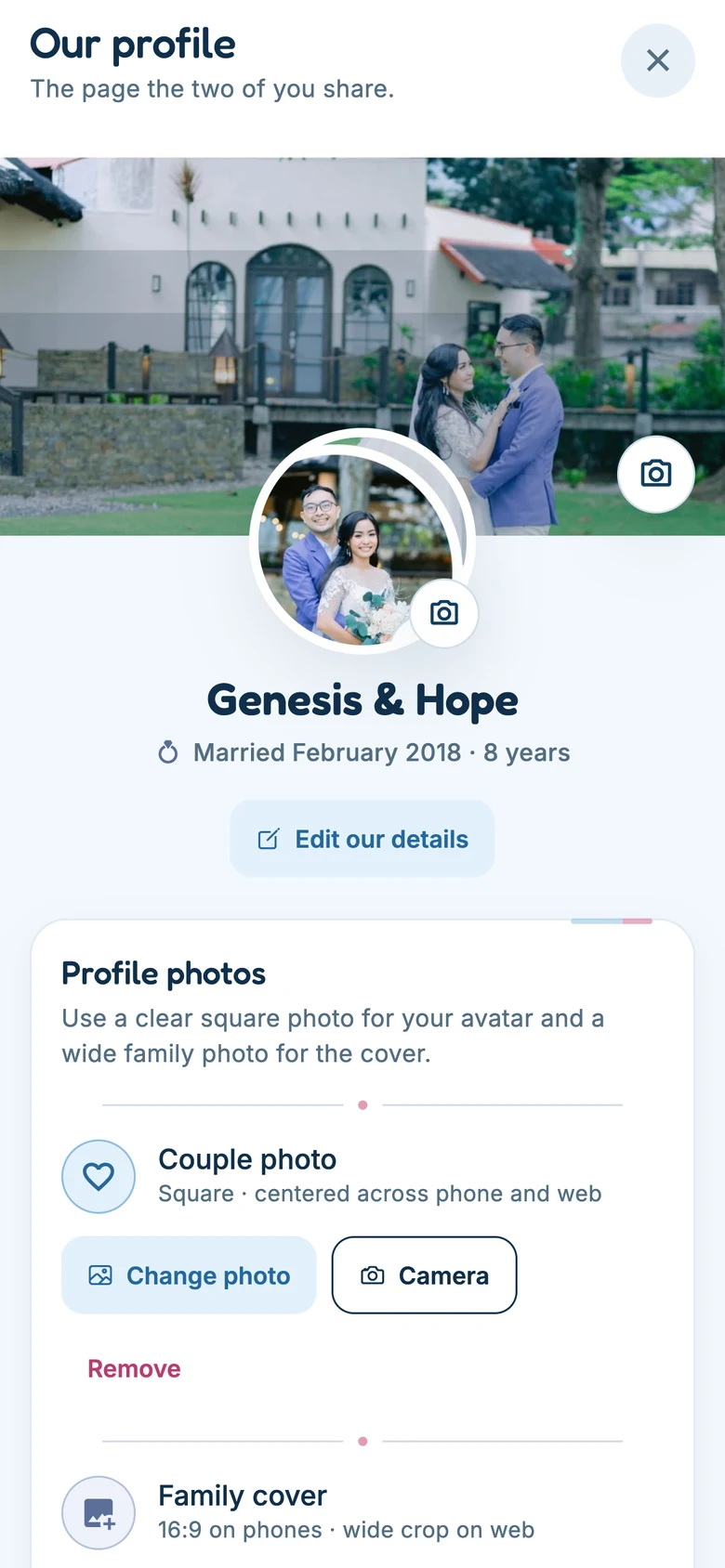
Step one · Setting up
Make the couple, share the code.
One of you creates an account — with Apple, Google, or an email and password — and Cord
makes a couple record with a short invite code that looks like CORD-2KFP.
Your spouse installs Cord, makes their own account, and redeems that code. That is the
pairing done; from then on the app knows there are two of you.
Then you choose what Cord is for, at least to begin with. Home and Us are always there; you pick two or three of Faith, Family, Plans and Circles. Three is plenty to start. It is one setting for the two of you, so both phones open the same shape, and the rest switch on in settings whenever you want them. Switching one off later only tucks it away: nothing in it is deleted.
The check-in itself works on one phone. It is built to be handed across a sofa, and it never switches who is signed in behind your back. Everything else assumes a phone each: the chat and the circles belong to whoever is signed in, and the rooms only one side may read are enforced by the server rather than by the screen. So your spouse needs their own account, on their own handset, to take part in those.
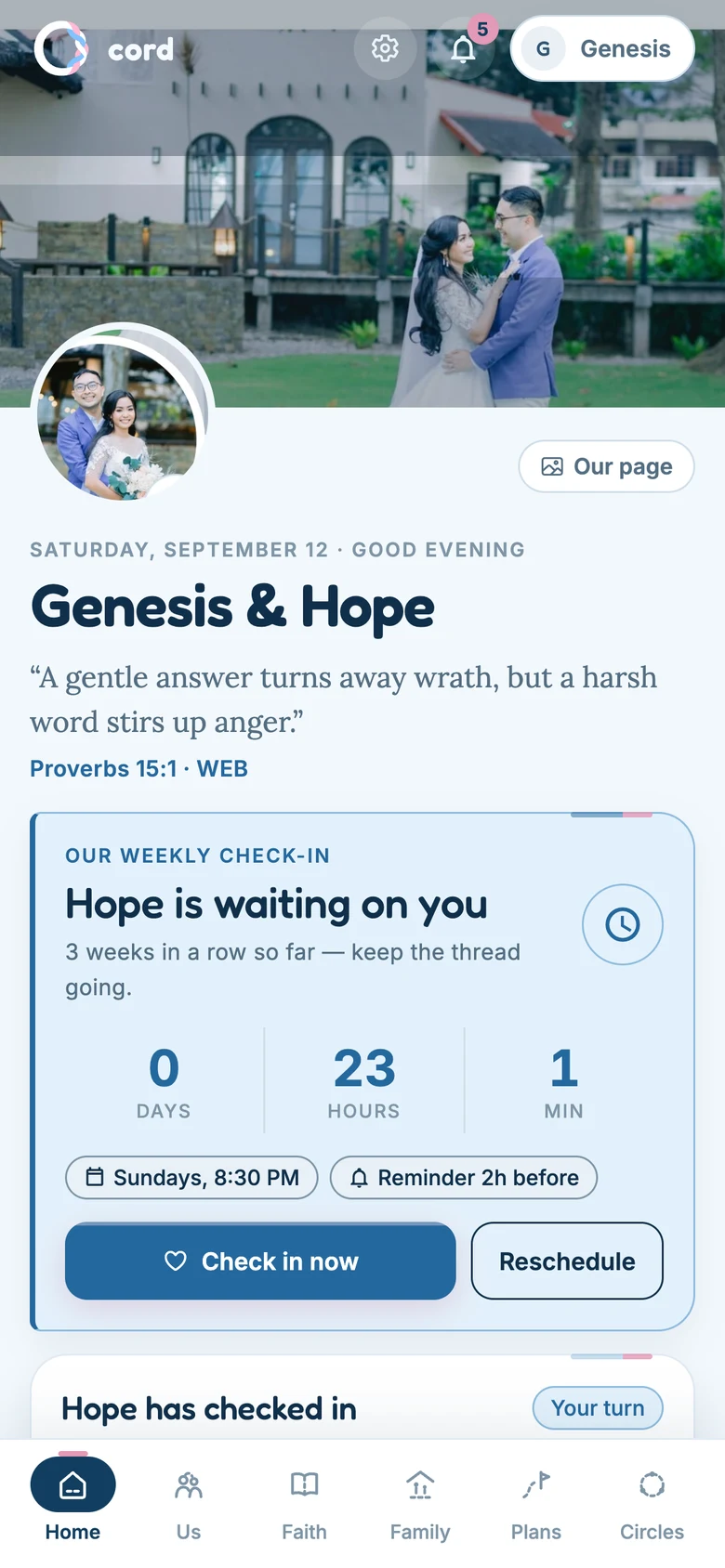
Step two · The rhythm
Pick the night that is actually free.
Choose a day and time for your check-in — Sunday evening after the children are down, Wednesday at lunch, whatever survives contact with your real week. Home counts down to it and can remind you a couple of hours ahead.
Pick honestly rather than aspirationally. The whole system rests on choosing a slot you will still want at the end of a long day.
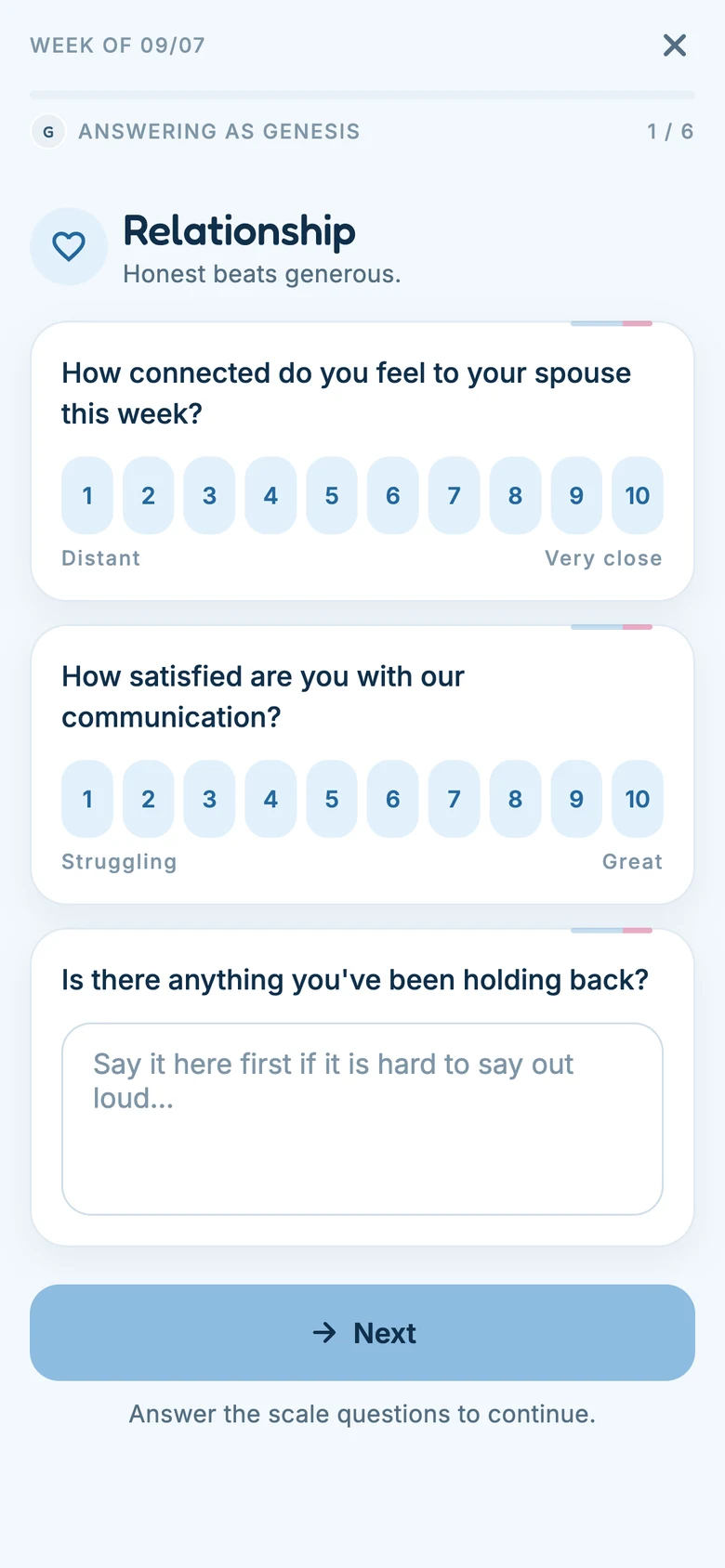
Step three · Your half
Answer alone, honestly.
Six areas of your marriage — relationship, spiritual, emotional, intimacy, family and finances — with fourteen prompts between them, about half sliders and half a sentence or two. You can rename these, switch them off, or add your own (in-laws, career, health, rest), so the check-in asks about your marriage rather than a generic one. The prompt tells you the truth about what it is for: honest beats generous. It takes about four minutes.
Nothing you write is visible to your spouse yet, and the app will not show you anything of theirs while you answer — not a preview, not a hint, not a count.
Step four · The hand-over
Pass the phone.
On a shared phone, the check-in itself offers the hand-over — hand the phone to Hope — and that is the only place in Cord where identity changes. It is deliberate: circles contain rooms only one side may read, so who is signed in must never flip somewhere you were not looking.
If you each have your own phone, skip this entirely — your spouse answers on theirs whenever they get to it, which is also the only way the chat, the circle rooms and the private walk can work, since each of those belongs to one signed-in person.
Step five · Together
Unlock the week and talk.
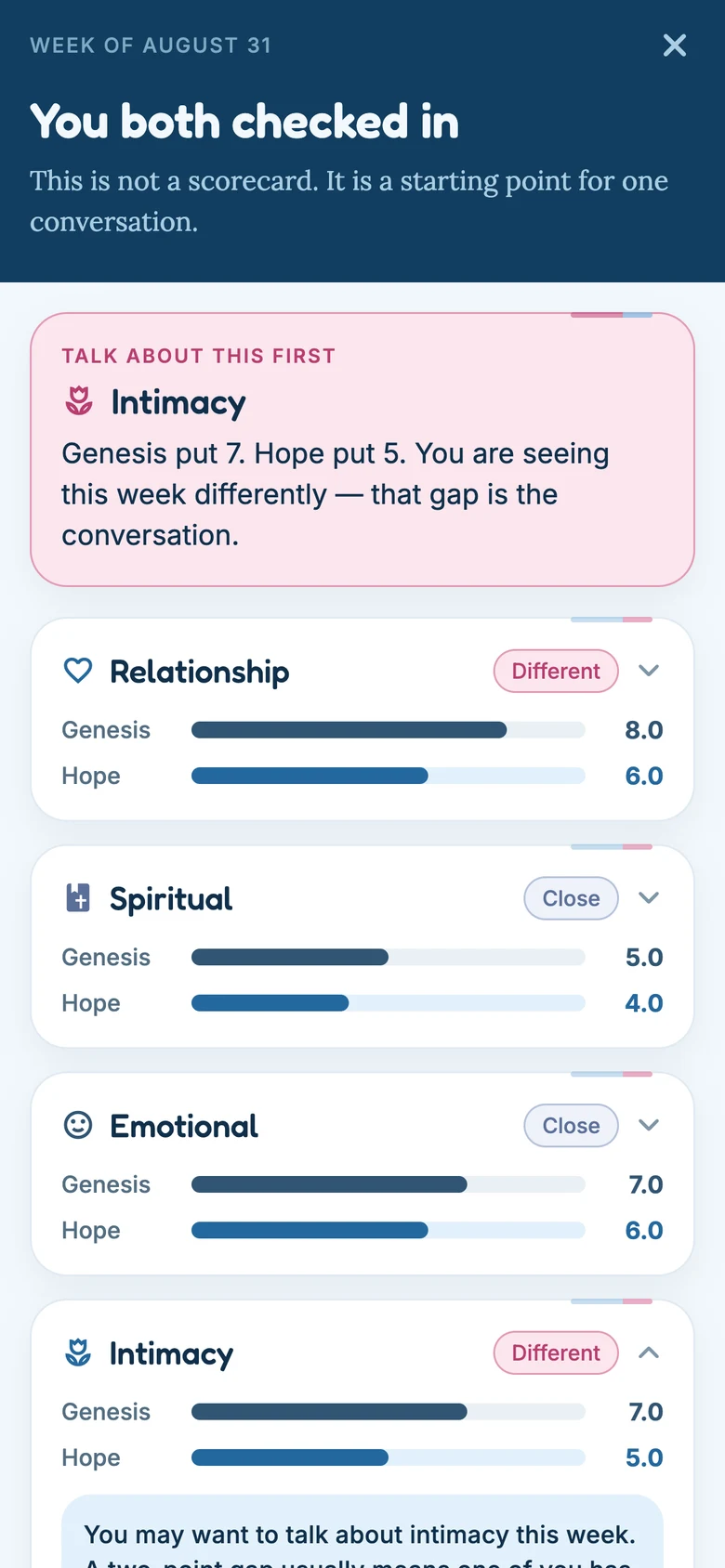
Once you have both finished, the week opens. You see both sets of answers side by side, each category marked close or different, and one card at the top naming the single thing worth talking about first.
Read it together, out loud if you can. The screen says what it is for in its own first line: this is not a scorecard, it is a starting point for one conversation.
Step six · Through the week
The small things, daily.
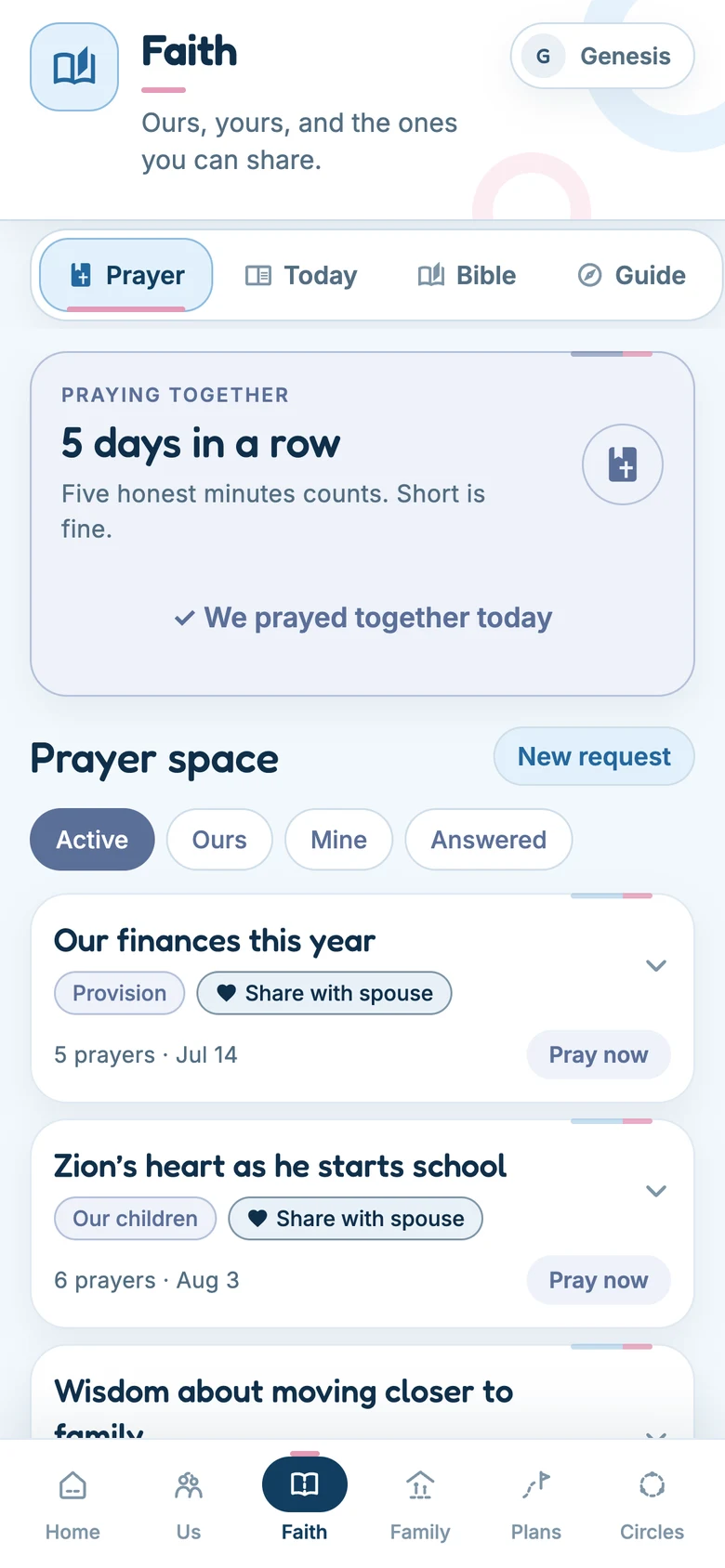
Between check-ins the app asks almost nothing. One tap on the marriage meter — five drawn faces, no typing — and your spouse's answer stays hidden until you have given yours. Add a prayer, tick today's reading on a plan you agreed together, log a date.
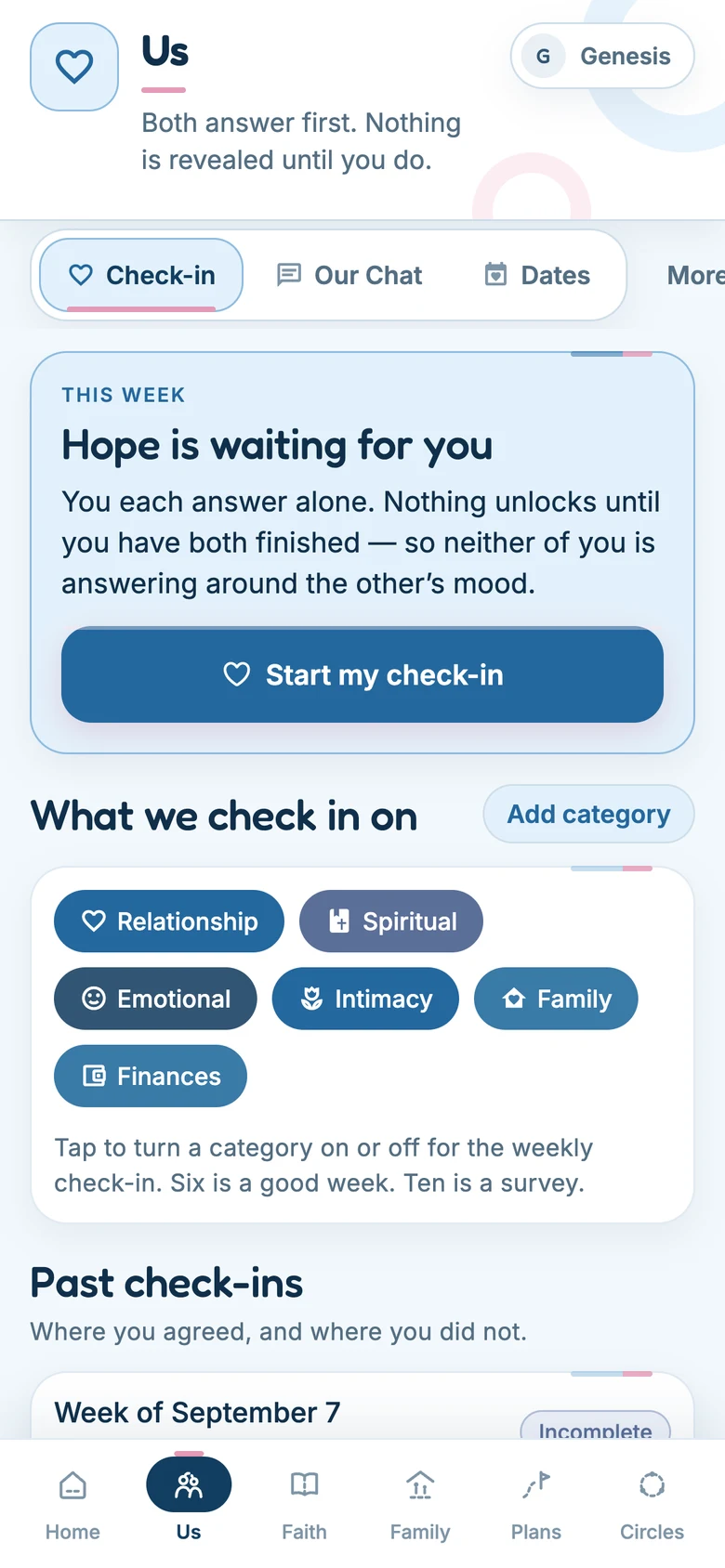
On the Us tab, Check-in, Our Chat and Dates sit in the bar. Habits, Insights, Conflicts, Rewards and Our story are one tap away under More, each with a line saying what it is for — so the bar stays short enough to read at a glance.
The Bible tracker counts for the couple rather than for two individuals: one plan, one rhythm, one log that both of you feed.
The weeks you keep add up to something outside the app, too: the check-in streak unlocks coupons from partner cafés and restaurants, and they hang off your longest run rather than your current one — so a hard month never takes back what you already earned.
Step seven · The practical half
Goals, money, and the calendar.
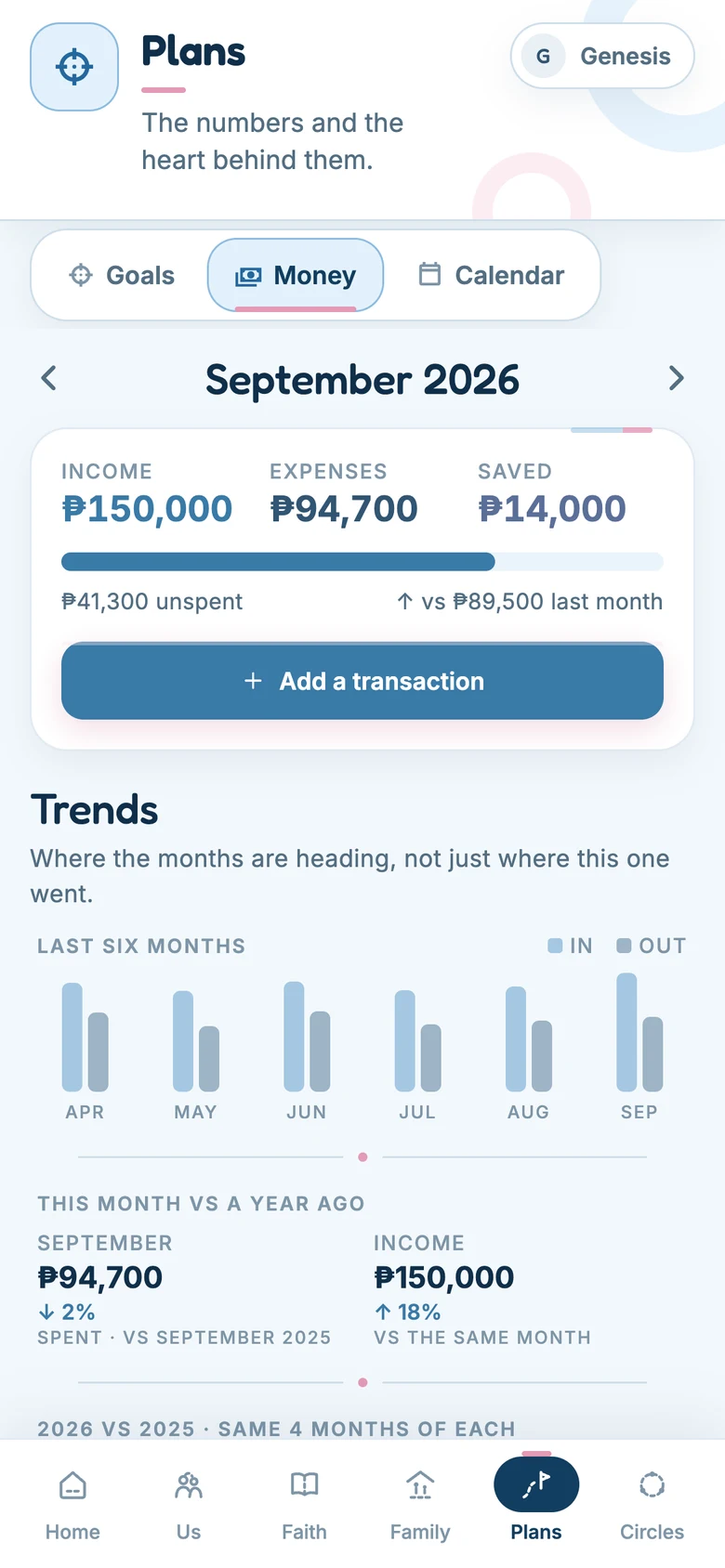
Goals are filed by year, and a money goal can draw its progress straight from a savings fund — one pot, two views. Money shows six months of income against spending, this month against the same month last year, and plain-language observations from your own figures.
Lists, the chore rota and the household vault live under Family, and one shared calendar holds his, hers, ours and the family's.
Step eight · Other couples
Join a circle, if you have one.
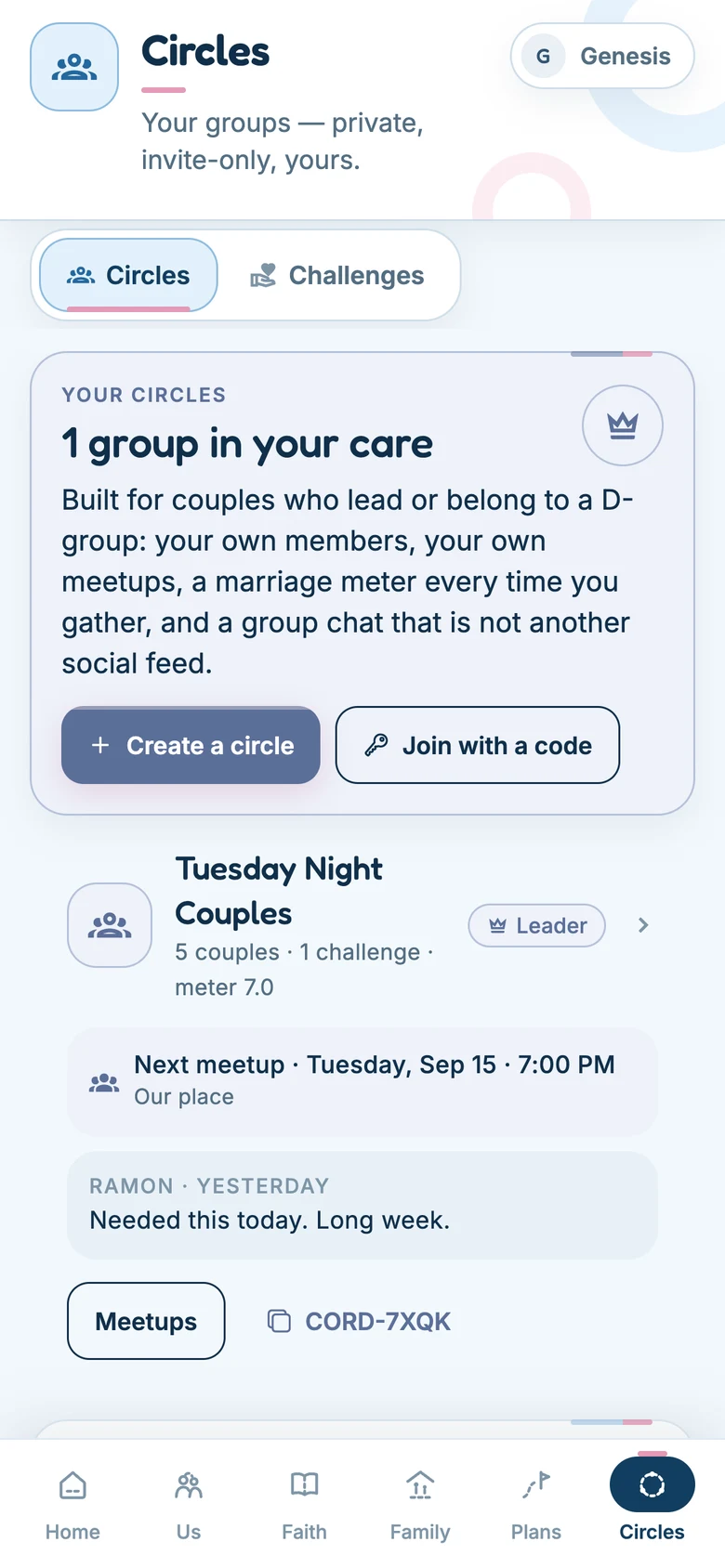
A circle leader gives you a code. Inside there is an everyone room, a husbands' room and a wives' room — each side sees only its own — plus meetups, challenges, and a simple 1–10 read the leader can use to see who needs a word this week.
Alongside the group runs the private walk: one thread between you and the person leading your side. Only the two of you can read it, and your spouse has their own.